Smart Home Security: How to Protect Your Network During a Renovation
By Editorial Team
Updated on July 15, 2026
Home renovations usually involve installing smart technology. Homeowners upgrade their properties with connected thermostats, automated lighting, and advanced security cameras. These advances improve our daily comfort and energy efficiency. The devices also connect directly to your residential Wi-Fi network. Adding multiple devices increases your digital footprint. This expanded footprint exposes your home network to cybercrime. Securing your digital infrastructure is just as important as locking your physical doors.
Secure Smart Home: The Basics
Source :
When contractors finish building walls or installing floors, you usually set up your new electronics. Every smart device requires an internet connection. A weak network configuration allows unauthorized individuals to access your private data.
Start by securing your main internet router. The Canadian Centre for Cyber Security emphasizes that securing your router is the vital first line of defense for a residential network. Change the default administrator password immediately. Manufacturers often print default passwords on the device label. Cybercriminals easily guess these standard credentials. Create a strong, unique password to protect your router dashboard.
Update the firmware on your router regularly. Firmware is the foundational software that controls your hardware. Manufacturers release updates to fix known security flaws. Log in to your router dashboard through a web browser to install available updates.
Managing connected appliances and devices
Source : RenoQuotes
Smart appliances vary widely in their security standards. A budget smart plug lacks the robust security features found in premium systems. This difference in security standards creates weak points in your home network.
Change the default name of your wireless network. The network name is called an SSID. Default names often reveal the router brand or your internet service provider. This specific hardware information helps cybercriminals identify known vulnerabilities. Create a custom name that does not include your personal details.
Create a dedicated guest network for your smart appliances. Most current routers offer a guest network feature. Segregating your smart devices prevents them from communicating directly with your primary computers. If a hacker compromises a vulnerable smart lightbulb, the guest network restricts their access to your personal files.
Protecting data while communicating with contractors
During a major renovation project, you communicate frequently with architects, builders, and suppliers. You review contracts, send emails, and approve invoices. Homeowners often perform these tasks outside the house because active construction zones are noisy.
Working from a coffee shop or a temporary rental exposes your data to public Wi-Fi risks. Public networks lack strong encryption. Hackers monitor open networks to intercept passwords and financial details.
Use a virtual private network (VPN) to protect your privacy on public networks. A VPN encrypts your internet traffic. This encryption prevents unauthorized parties from reading your data. Many technology reviewers test different options to identify probably the best VPN for Canada, which helps residents secure their data whether they are in Montreal or Toronto. Research your options to choose a service that fits your specific privacy needs.
Implementing strong authentication protocols
Source : RenoQuotes
Every smart home application requires a user account. You use these accounts to control your heating, lighting, and security systems from your smartphone. Weak passwords make these accounts vulnerable to automated takeover attacks.
Use a password manager to generate and store complex passwords. A password manager creates unique credentials for every application. This practice ensures that a data breach at one company does not compromise your other accounts.
Enable two-factor authentication on all your smart home applications. Two-factor authentication requires a second form of verification before you can log in. This secondary verification is usually a code sent to your mobile device. Adding this extra layer reduces the risk of unauthorized access.
Setting up smart locks and digital access
Upgrading to smart locks is a popular renovation choice. Smart locks allow you to grant temporary access to contractors or delivery drivers without handing over physical keys. While convenient, these digital access points require careful management.
Assign unique entry codes to every individual who needs access to your home. Avoid sharing a single master code among different renovation crews. Unique codes allow you to track who enters and exits the property precisely.
Delete temporary access codes as soon as the project finishes. Leaving old codes active creates unnecessary security risks. Review your active user list in the smart lock application monthly.
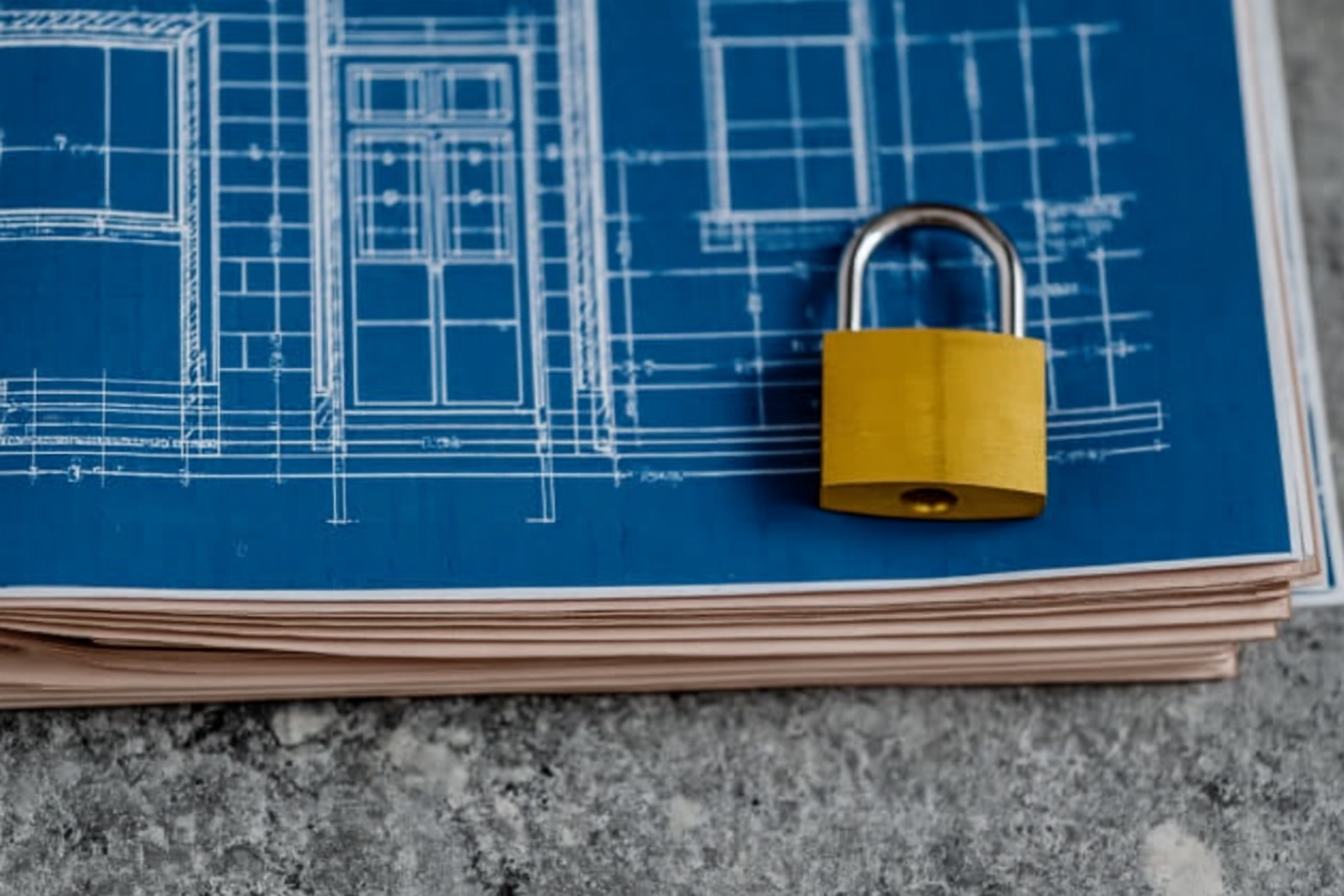
Managing blueprints and project document security
Source : RenoQuotes
Architects and builders share digital blueprints and project files with homeowners. These documents contain detailed layouts of your property. They often show the exact location of security systems, safes, and valuables.
Store your renovation documents on a secure cloud storage platform. Choose a platform that offers end-to-end encryption. End-to-end encryption ensures that only authorized users can read the files.
Reviewing permissions and privacy settings
Smart home devices collect significant amounts of personal data. Security cameras record video footage. Smart thermostats track your daily routine. You need to control who accesses this information.
Review the privacy settings within each manufacturer’s mobile application. Navigate through the settings menus to disable unnecessary data collection. For example, go to “Settings” > “Privacy” in an app to stop the manufacturer from sharing your usage statistics with third parties.
Secure disposal of old electronics
A thorough home renovation often involves replacing outdated electronics. You might throw away old computers, routers, or smart hubs to make room for new equipment. Simply discarding these items is dangerous because they still contain your personal data.
Perform a factory reset on every piece of electronic equipment before disposal. A factory reset erases your custom settings and removes your account information. Consult the user manual for each specific device to find the correct reset procedure.
Final steps for digital safety
Securing your property involves more than just physical locks. As you finish your home renovation project, dedicate time to finalize your digital infrastructure. A comprehensive approach to your home network protects your family and your data long after the construction dust settles.
Prioritize these essential security measures:
Secure your Wi-Fi network with robust router passwords
Update firmware on all new smart appliances and devices
Separate your smart home technology onto a dedicated guest network
Use a VPN on public connections to protect financial data
Enable two-factor authentication for all remote access applications
Erase personal data completely before disposing of outdated electronics
Looking for something else?
Related articles
The latest industry news, interviews, technologies, and resources.
Amanda Harvey
•08 Nov 2023
If you’re walking from one room to another and notice a slant in your floor that falls to the left or right, don’t panic. Although feeling a dip or a sag in your floor might initially bring anxiety, don’t get too bent out of shape about it. Chances are an uneven floor is pointing to a deeper problem, yet although there might not be a quick fix or solution, there are still some methods you can take to deal with the issue.

Amanda Harvey
•08 Nov 2023
Without our trusted rain gutters, rainwater would splash and run down our homes, seeping its way into the surfaces and eroding the soil that holds our foundation.

Editorial Team
•13 May 2026
Our homes are becoming intelligent. Each day, we interact with tiny little devices, such as our phones and computers, that are in place to capture personal data about our interests, wants and needs.
Editorial Team
•08 Nov 2023
The floors of the foyer are easily the most beat up thanks to our harsh Canadian winters that have us tracking slush and mud inside. Since this is the room used to remove boots, shoes and other outerwear, it is important to make sure the life of your floors is extended as long as possible.

Amanda Harvey
•05 Dec 2023
We all know that the yearly heatwave is imminent, as summer heat records continue to soar under the weight of our rising global temperature. For many homeowners, dealing with this means installing an air conditioning system, making sure family and friends have a place to feel calm, cool, and comfortable.